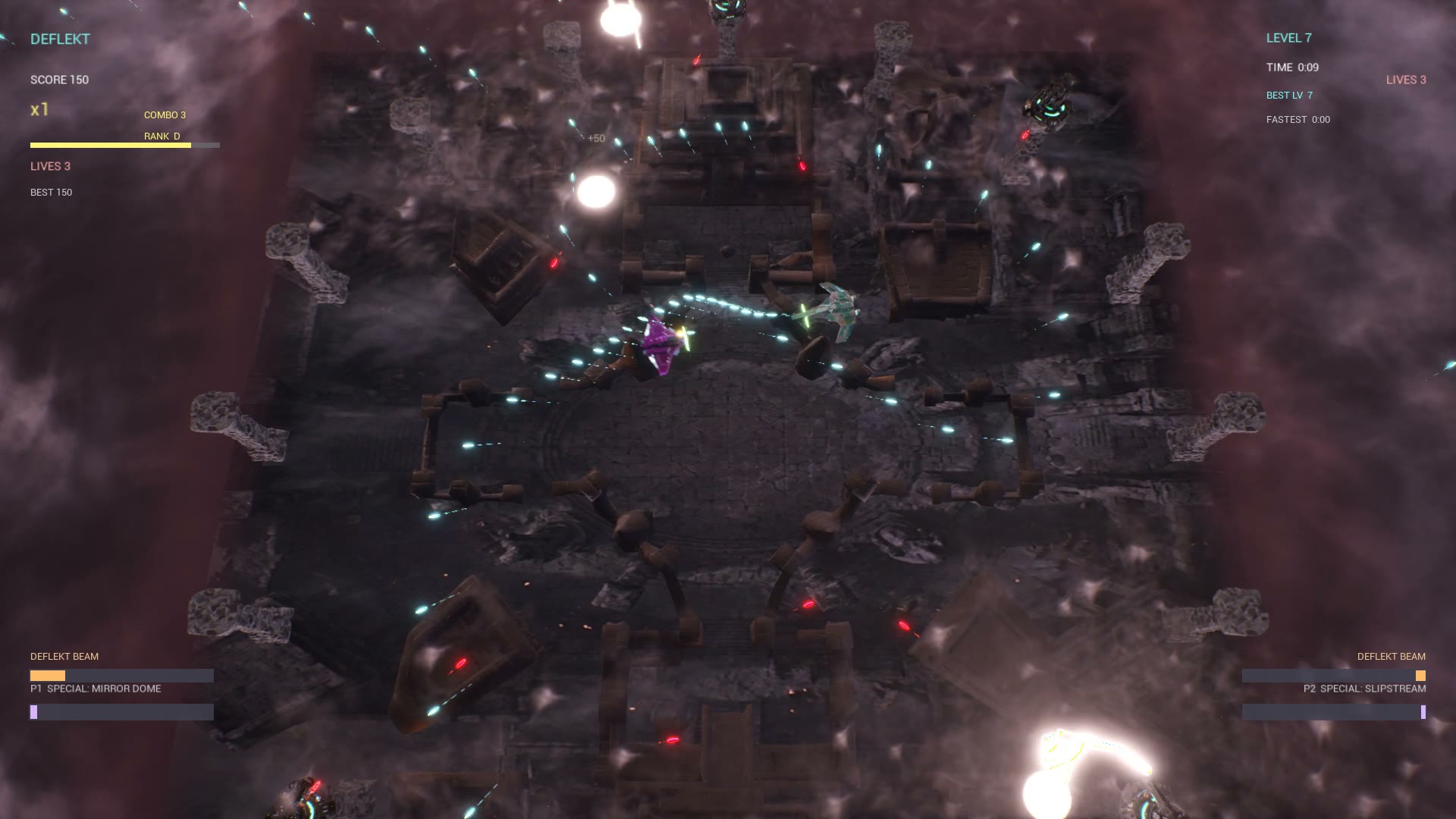
How to Play Online
Play Co-op, Versus, or Invasion 2 with a friend over the internet - no matchmaking, no accounts to set up. Only the host needs to own the game.
You (the host)
Own DEFLEKT on Steam + a controller.
You launch and invite.
Your friend
A free Steam account (no purchase) + a controller.
They join your stream.
Start a match
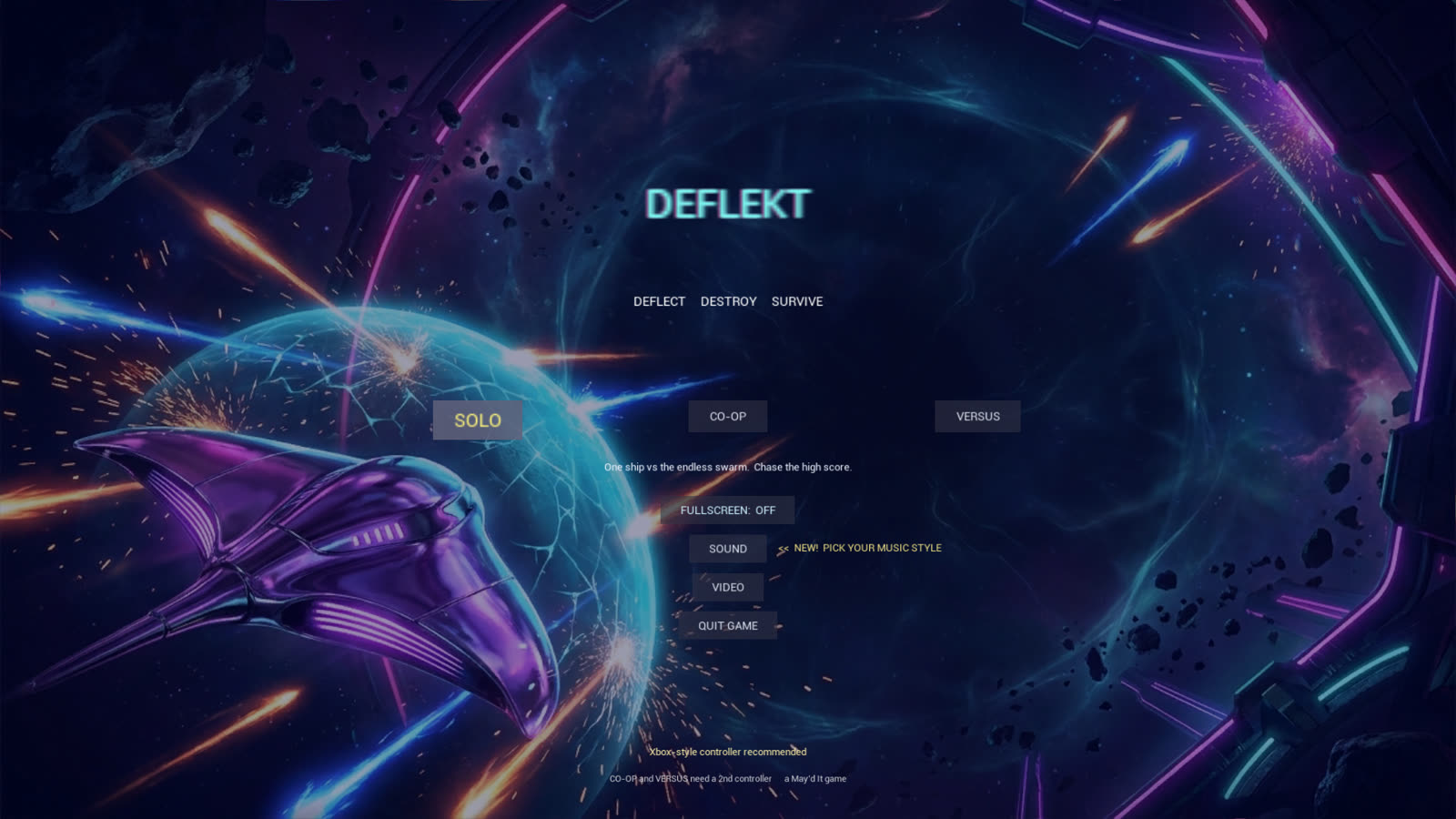
Open DEFLEKT from Steam. On the main menu, choose CO-OP, VERSUS, or INVASION 2 and start it.
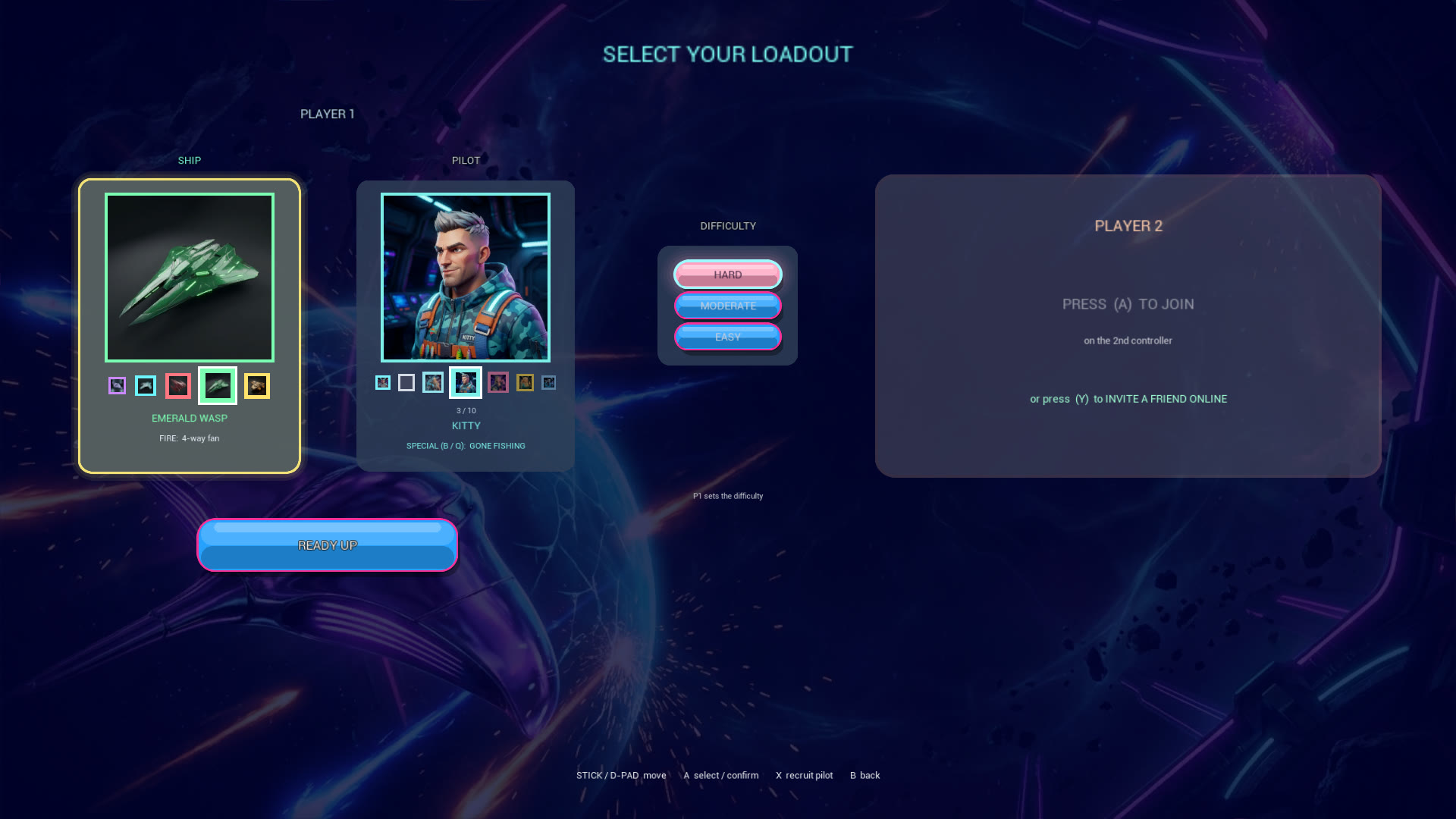
Invite your friend - press Y
On the Select Your Loadout screen, press Y on your controller. DEFLEKT's built-in INVITE A FRIEND list opens - pick your friend, press A, and Steam sends them a Remote Play invite. They just have to be online on Steam.
Prefer the Steam overlay? Shift + Tab, click your friend, choose Remote Play Together - same result.
Accept the invite
Your friend gets a Steam invite. They click Join - the game streams to their screen.
Join as Player 2
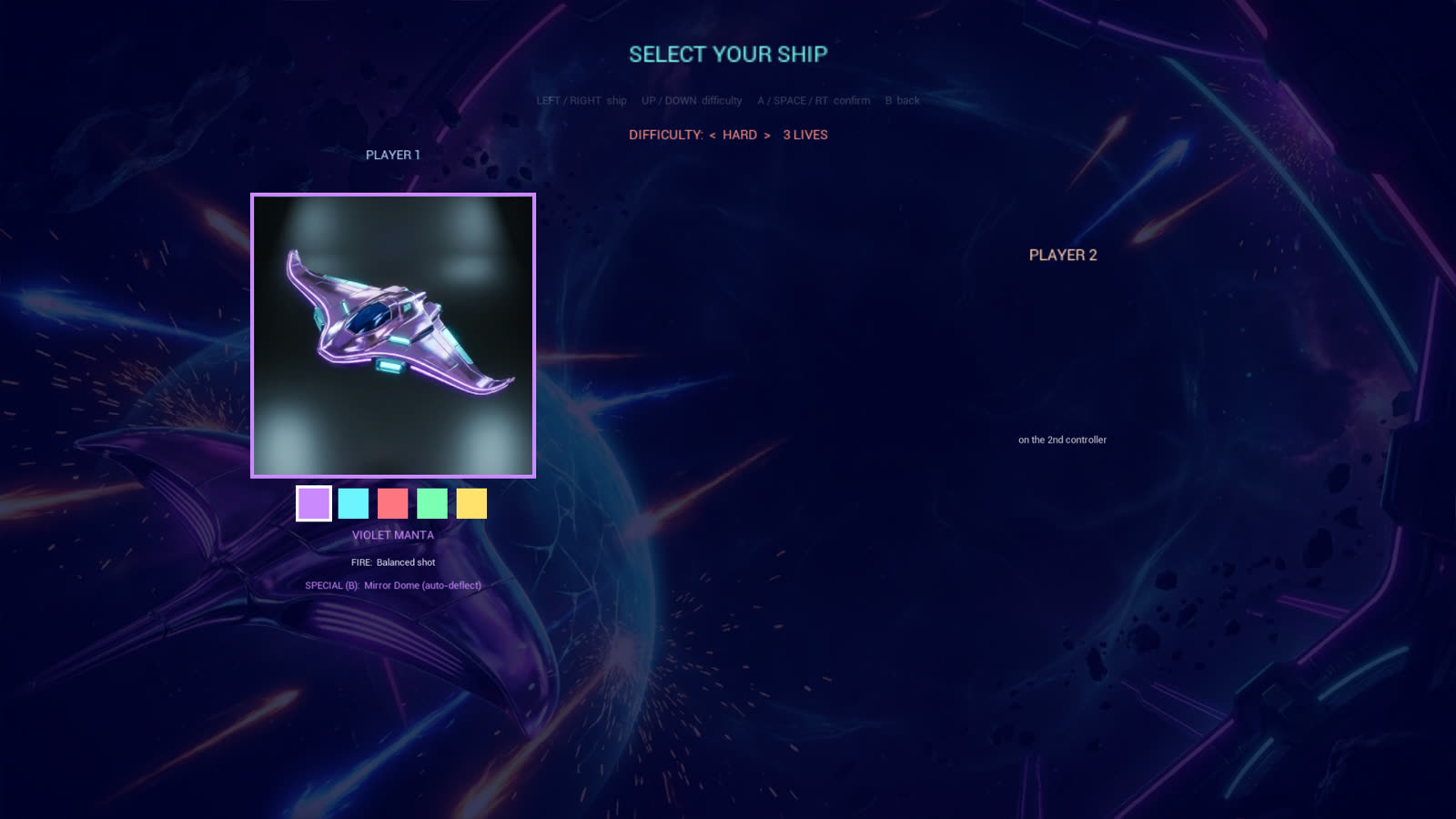
On the Select Your Loadout screen, Player 2 presses A on their controller to drop in.
Play together
That's it - team up against the swarm in Co-op, duel 1v1 in Versus, or hold the planet together in Invasion 2.